OS Models (Imgur palette gallery)
What it is
Section titled “What it is”A small Imgur album of animated screen captures from a Python TUI palette-demo program (the captured terminal sessions are run by a user named casio, which is itself a fun coincidence — the connection to retro Casio palette aesthetics is hard to miss). Each clip walks through a different operating-system-themed color palette: snake/tetris-style sprite demos, full ANSI color grids, terminal text styled in the palette, a tiny in-program palette editor with hex inputs. The album is the strongest theming reference in the entire inspiration set — explicit, named, ANSI-mappable palettes shown in motion against TUI content.
Served as MP4 (animated). The four downloads are kept as both video and a representative middle-frame PNG for static reference.
Aesthetic / design inspiration for KN-86
Section titled “Aesthetic / design inspiration for KN-86”- Named palettes as the unit of theming. Each clip is one OS / palette. The lesson for KN-86 is commit to a named-palette model, even though KN-86 itself is monochrome amber. The amber palette is “the KN-86 default”; aesthetic modes (see pulsedeck.md, netwatch.md) are how KN-86 expresses other palettes — glyph treatment, scanline density, CIPHER-LINE animation profile. Each aesthetic mode gets a name (cf. PulseDeck’s “Retrowave / Catppuccin Latte / …” and NetWatch’s 7 themes).
- The ANSI color grid is itself a useful reference object. The grid in
os-models-2.pngshows the full extended palette as a visible artifact. KN-86 won’t render this in production (the device is monochrome), but the desktop emulator could plausibly carry a debug overlay (F12-style) showing the amber palette + aesthetic-mode state — useful for cart authoring and for documentation screenshots. - The amber-on-black palette (
os-models-3.png) is essentially what KN-86 looks like. A direct read-across — terminal text in amber over near-black, single-line yellow/amber box border, system-font monospace. Useful as a visual anchor for “this is the KN-86 vibe” when briefing collaborators who haven’t seen the emulator. - The red-on-dark color-picker UI (
os-models-4.png) — a small TUI for entering RGB / hex values for a foreground/background pair, with a “save” affordance — is the right minimum viable surface for an in-product aesthetic-mode picker. Six rows, two columns, one save button. Cite when scoping the SYS tab on the Bare Deck Terminal. - Orange/red gradient palette (
os-models-1.png) — a snake/tetris-style sprite demo rendered in graduated reds and oranges over black. Reads as a candidate “warm-mode” aesthetic for KN-86 — a slightly warmer, more saturated take on the amber default. Worth keeping as a swatch reference.
Downloaded image(s)
Section titled “Downloaded image(s)”Four representative middle-frame stills extracted from the original MP4 clips (the MP4s are also kept in this folder for the live animation).
| Still | What it shows | Why it matters |
|---|---|---|
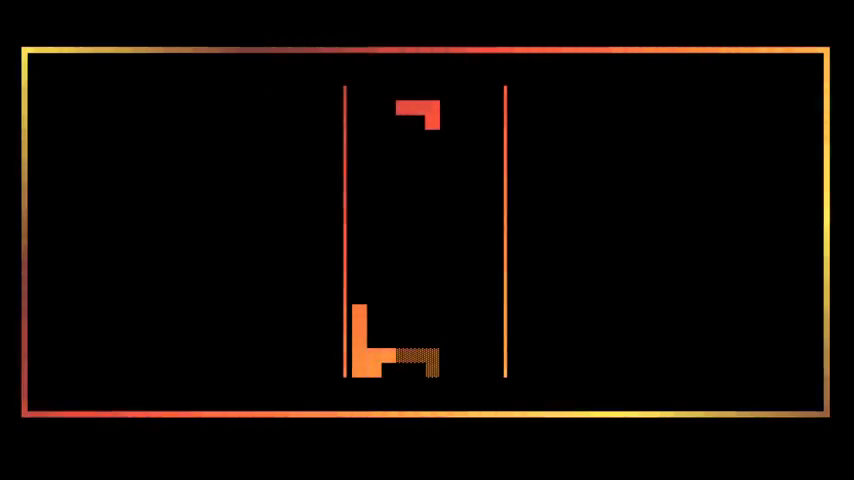 | Tetris/snake-style sprite demo in graduated reds/oranges on black, framed by a multi-stop yellow→red gradient border. | Candidate “warm” aesthetic mode reference. |
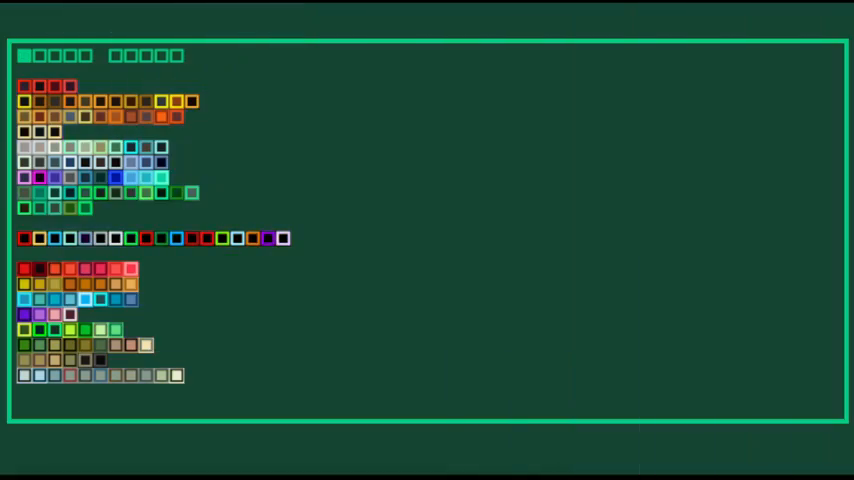 | Full ANSI color grid (basic 16, extended 256, named swatches) against a dark teal background. | The named-palette-as-artifact reference. The single best image in the batch. |
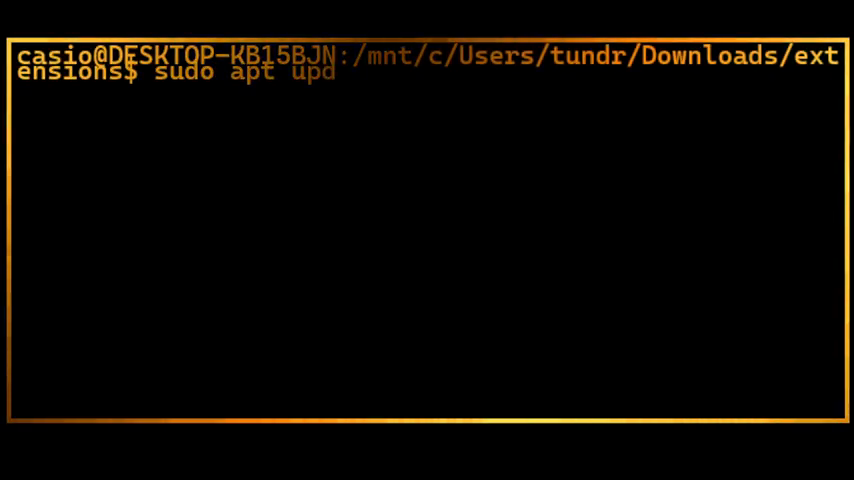 | Amber/yellow shell prompt over near-black with a single-line yellow border frame. | Direct visual analogue of the KN-86 amber-on-black default. |
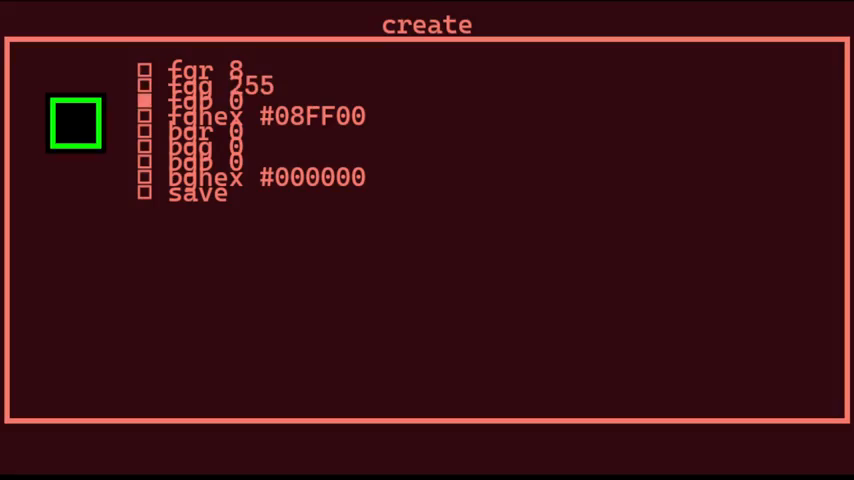 | A TUI “create” panel: fgr 0, fgg 0, fgb 0, fghex #08FF00, bgr 0, etc., with a green-bordered foreground swatch and a save row. | Reference for an aesthetic-mode picker UI. |
Original MP4s: os-models-1.mp4, os-models-2.mp4, os-models-3.mp4, os-models-4.mp4 — kept alongside the stills because the animation (transitions between palette demos) carries information the stills can’t.
Notes / open questions for KN-86
Section titled “Notes / open questions for KN-86”- Adopt the “named aesthetic modes” framing. Even if v0.1 ships only with the amber default, the architecture should treat aesthetic mode as a named, persisted setting in
nosh-config.toml, not a hardcode. Direct citation for the matrix’s promote-to-spec item “Theme system as aesthetic modes” (see features-matrix.md). - The emulator’s debug overlay (F12) is the right home for a palette-grid visualization. Document it as a known affordance.
- What’s the v0.1 default-mode roster? Candidate set, scoped tight:
AMBER(the default, #E6A020),AMBER(warmer, #FF6020-ish, fromos-models-1),CIPHER(slightly desaturated, mid-luma, for sustained reading). Open question for design; would benefit from a small ADR. - Attribution / licensing. Imgur album, no clear creator credit visible at the album-page level. Treat the images as moodboard reference; do not include them in marketing materials or the Starlight site without resourcing or commissioning replacements.